


Building an educational WordPress site takes more than just picking a theme and adding some pages. You need the right tools to create courses, engage students, and keep parents or learners coming back.
Whether you’re building a site for a school, tutoring business, or online learning platform, these 10 resources will save you time and help you create something people actually want to use.
LearnDash is the most popular LMS (learning management system) plugin for WordPress. It lets you create courses with lessons, quizzes, and certificates.
Why it’s useful:
If you’re serious about selling courses or managing student enrollment, LearnDash is worth the investment. Pricing starts around $199/year.
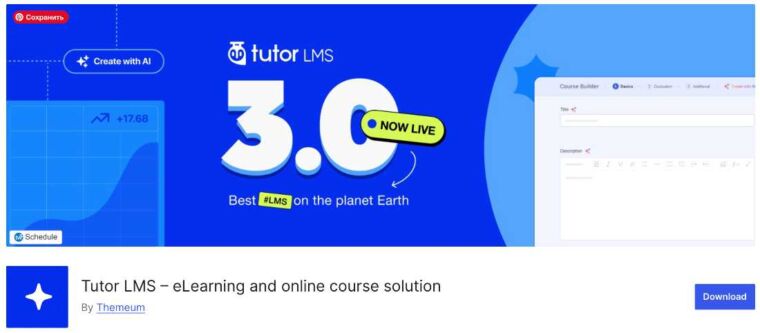
Don’t have a budget for LearnDash? Tutor LMS offers a solid free version that handles the basics.
What you get for free:
The pro version adds features like certificates and Zoom integration, but many small education sites run fine on the free tier.
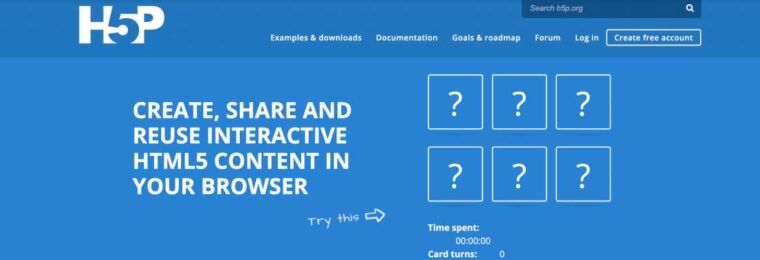
H5P lets you create interactive quizzes, flashcards, and presentations that work inside WordPress. Students can interact with content instead of just reading it.
Best uses:
The plugin is free. You create content on their site and embed it, or self-host if you prefer more control.
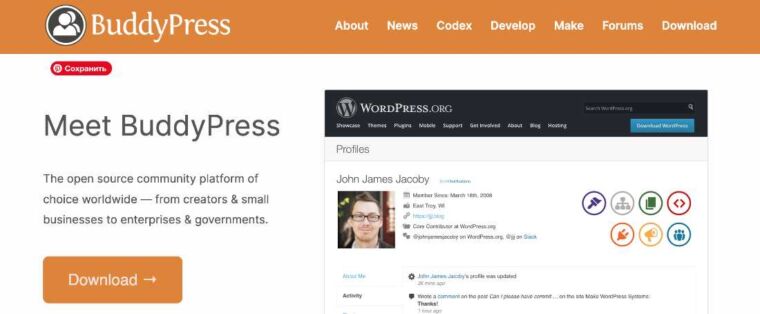
BuddyPress turns your WordPress site into a social network. For education sites, this means students can have profiles, join groups, and message each other.
Good for:
It’s free and works well with most themes. Just be ready to moderate if you open things up to user-generated content.
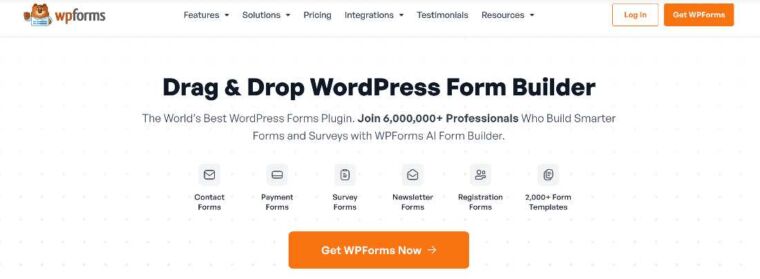
WPForms handles all your form needs. The basic version is free, but the paid version includes a quiz addon that’s perfect for simple assessments.
Use it for:
The quiz feature calculates scores automatically and can show different messages based on results.
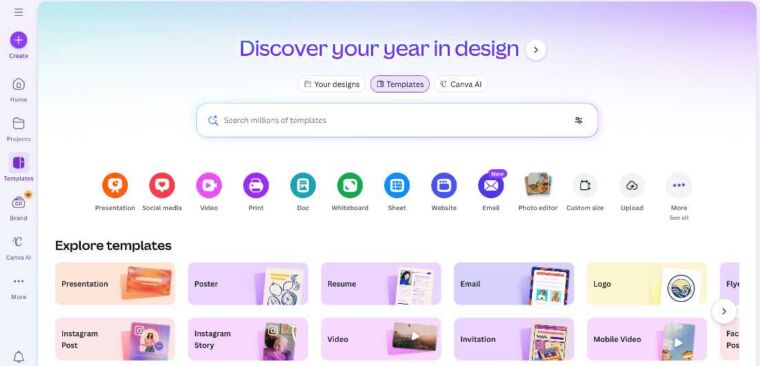
Teachers and course creators aren’t usually graphic designers. Canva fixes that with templates for everything you need.
Create things like:
The free version covers most needs. Canva for Education gives teachers and students free access to premium features.
Loom records your screen and camera at the same time. It’s the fastest way to create video explanations.
Perfect for:
Free accounts get 25 videos up to 5 minutes each. Paid plans remove limits and add features like custom branding.
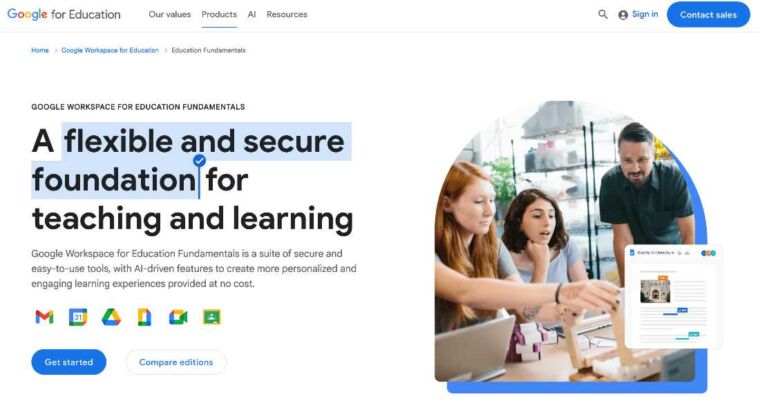
Google Workspace for Education gives schools free access to Gmail, Drive, Docs, and Classroom. Even if you’re not a formal school, the tools integrate well with WordPress.
Integration ideas:
Several plugins help connect Google tools to WordPress, making it easy to blend both platforms.
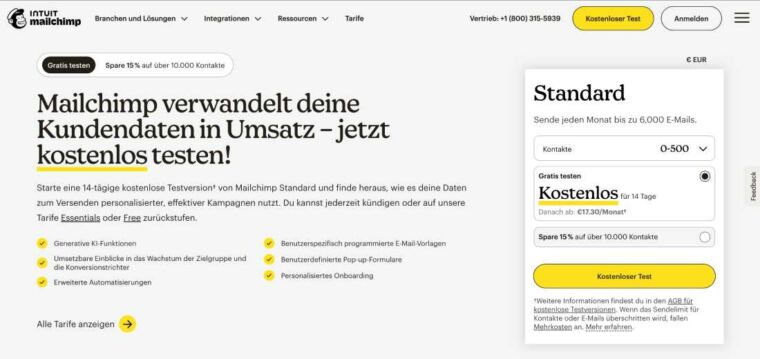
Mailchimp helps you build email lists and send newsletters. For education sites, email keeps students and parents engaged between visits.
Send emails like:
The free tier supports up to 500 contacts and 1,000 emails per month. That’s enough for most small education sites starting out.
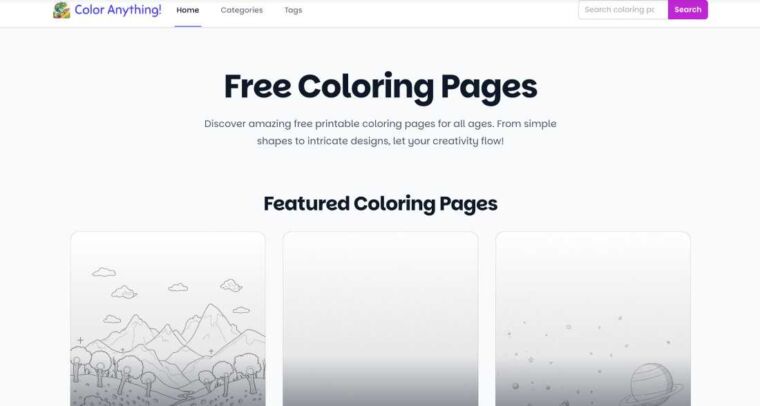
Sometimes students need a break from screens. ColorAnything gives teachers and parents free printable coloring pages on hundreds of topics.
Why it works:
Adding downloadable activities to your site gives visitors something tangible to take away. Parents especially appreciate printable resources they can use offline.
You don’t need all 10 of these tools on day one. Start with the essentials:
Then layer in community features, interactive content, and supplementary resources as your site grows.
The best educational WordPress sites combine good content with the right tools. These resources handle the technical side so you can focus on teaching.
Exploring ideas at the intersection of design, code, and technology. Subscribe to our newsletter and always be aware of all the latest updates.

I’m Taylor & I am totally obsessed with online activity, either it is website building/blogging or cryptocurrency trading and social media marketing! Adore reading and while doing it every day, I am craving for sharing, that’s why I am here! You can ask me about web design and marketing, and tell me what you know! I am a chief editor at ThemeREX, occasional writer and guest authors recruiter.